

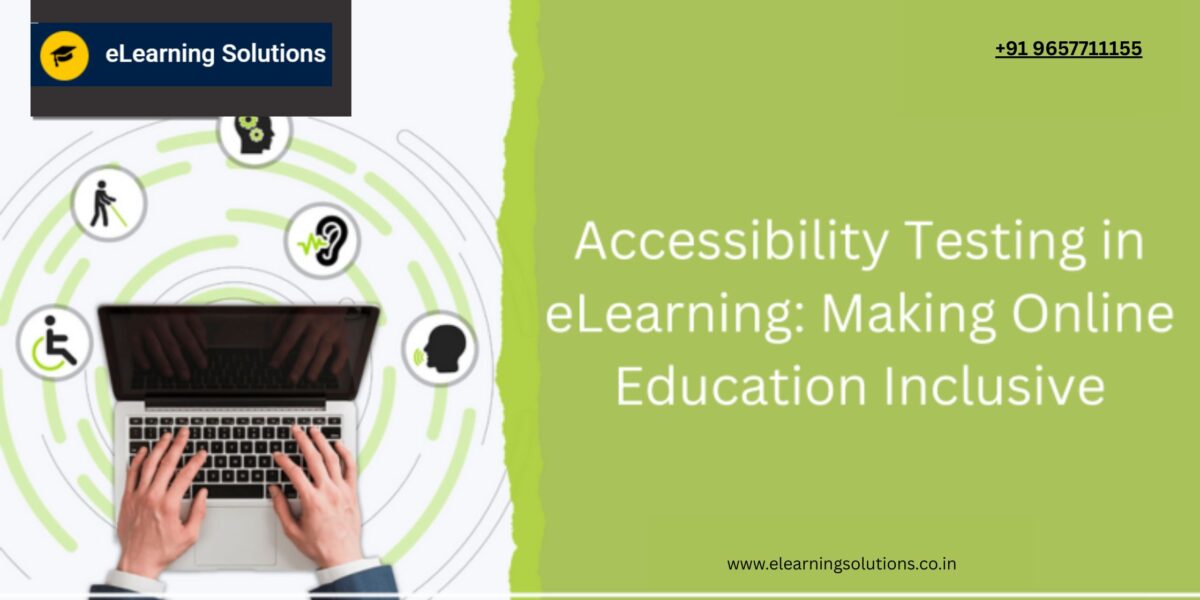
Online education should be accessible to everyone, including individuals with disabilities. Accessibility testing ensures that eLearning platforms comply with standards like WCAG (Web Content Accessibility Guidelines) and ADA (Americans with Disabilities Act), making digital education inclusive for all learners.
Why Accessibility Testing Matters in eLearning
Many learners rely on assistive technologies such as screen readers, keyboard navigation, and voice recognition software. Without proper accessibility measures, they may face challenges in navigating courses, understanding content, or interacting with learning materials.
Key Benefits of Accessibility Testing:
Ensures equal learning opportunities for all users.
Enhances user experience and engagement.
Helps meet legal and compliance requirements.
Improves SEO and content reach.Improves SEO and content reach.
Essential Accessibility Guidelines for eLearning
1. WCAG Compliance
The Web Content Accessibility Guidelines (WCAG) provide a global standard for accessible digital content. They focus on four main principles:
- Perceivable – Content should be presented in ways that all users can perceive (e.g., text alternatives for images).
- Operable – Users should be able to navigate using different input methods (e.g., keyboard-only access).
- Understandable – Information should be easy to comprehend (e.g., clear language and readable fonts).
- Robust – Content should work with various assistive technologies.
2. ARIA (Accessible Rich Internet Applications) Roles
ARIA attributes improve accessibility for dynamic content and navigation. They help screen readers interpret elements like buttons, menus, and alerts correctly.
3. Color Contrast & Readability
- Ensure a contrast ratio of at least 4.5:1 between text and background.
- Avoid relying solely on color to convey meaning (use text labels or patterns).
- Use readable fonts and appropriate text size.
4. Keyboard Navigation
- All functionalities should be accessible without a mouse.
- Test with Tab, Enter, and Arrow keys.
- Highlight focusable elements for easy navigation.
5. Screen Reader Compatibility
Ensure the platform is compatible with screen readers like:
- JAWS (Job Access With Speech)
- NVDA (NonVisual Desktop Access)
- VoiceOver (for macOS and iOS)
6. Video & Audio Accessibility
- Provide captions and transcripts for videos.
- Ensure audio elements have volume controls.
- Avoid autoplaying multimedia content.
7. Alternative Text for Images & Graphs
Every image, chart, and infographic should have descriptive alt text to help visually impaired users understand the content.
Best Tools for eLearning Accessibility Testing
1. Axe Accessibility Tool
- Detects WCAG violations.
- Integrates with browsers for easy testing.
2. WAVE (Web Accessibility Evaluation Tool)
- Identifies accessibility errors and warnings.
- Highlights missing alt text and contrast issues.
3. Lighthouse (Google Chrome DevTools)
- Provides accessibility scores.
- Suggests improvements for usability.
4. JAWS & NVDA
- Tests screen reader compatibility.
- Simulates real user experience for visually impaired learners.
5. Color Contrast Analyzer
- Checks color contrast ratios.
- Ensures text visibility for users with low vision.
Steps to Conduct Accessibility Testing for eLearning
Validate against WCAG 2.1 Level AA standards.
Perform manual and automated testing.
Test with different assistive technologies.
Gather feedback from users with disabilities
Fix identified issues and retest.
Conclusion
Accessibility testing in eLearning ensures that online education is inclusive, user-friendly, and compliant with legal standards. By following best practices and using the right tools, educators and developers can create a seamless learning experience for all.
YOU MAY BE INTERESTED IN
The Art of Software Testing: Beyond the Basics
Automation testing course in Pune
Automation testing in selenium
Mastering Software Testing: A Comprehensive Syllabus


 WhatsApp us