

SAP SETUP
Download the SAP Setup:
Download Windows Version 10 & Above:
Download for window version 8, 7 & Below:
Download for Apple MAC :
How to install Setup SAP GUI (Software)
Follow the steps given below:-
How to change SAP GUI (software) theme-
See full video to know:-
SAP GUI Installation & Configuration Guide
Step 01: Click on the Download Link.
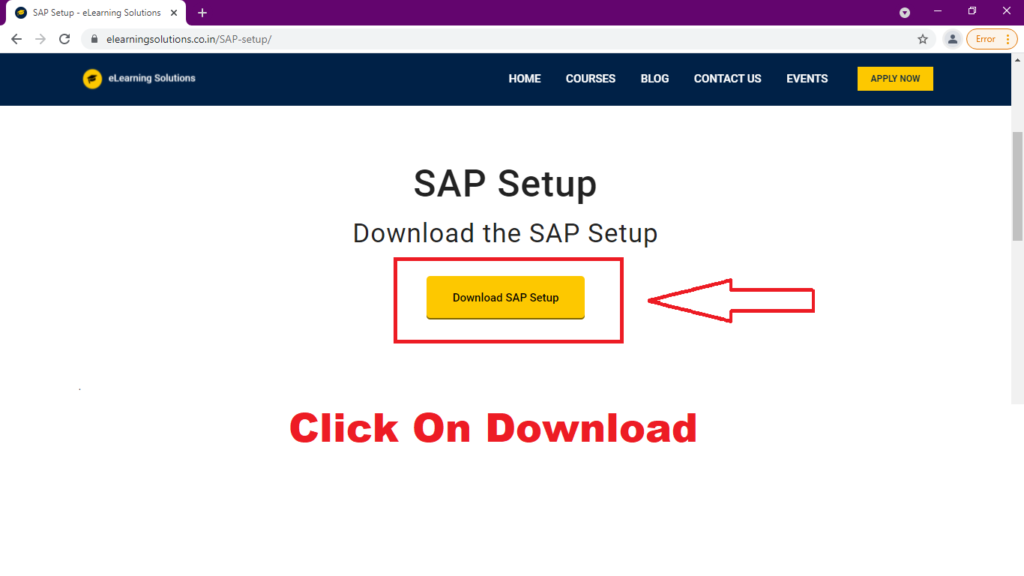
Step02: Download and Open Zip File.

Step03: Extract Zip File.
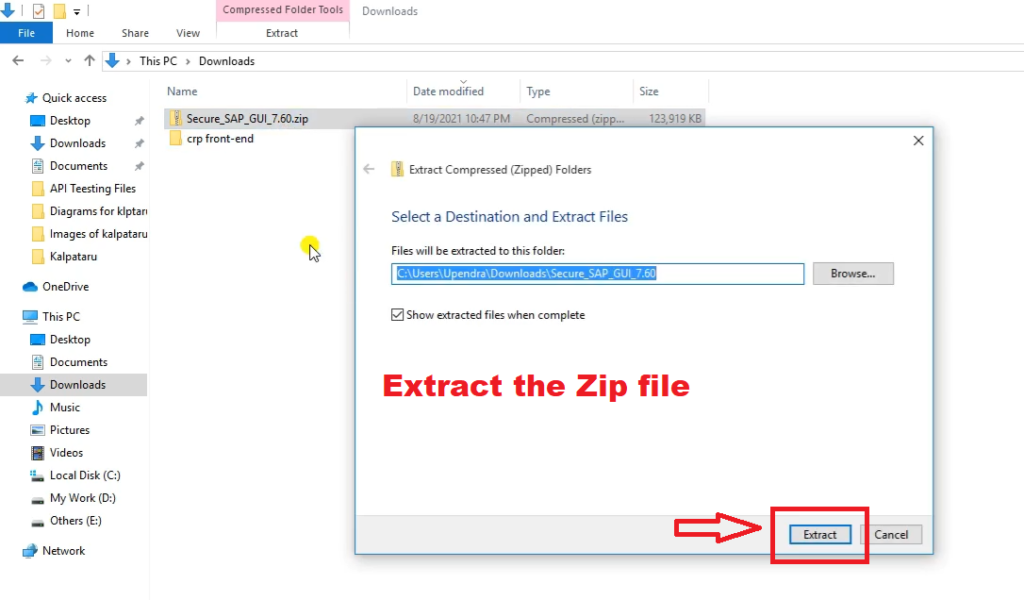
Step04 : Run File Setup.

Step05: Click Next.

Step06: Select All Check Boxes and Click Next.

Wait.....
 Step07: Close Now Installation Is Completed!

Now it's time to configure the software.
Step08: Now open the SAP Logon file created on Desktop.

Step09: Click on Connections as below.

Step10: Click Next.

Step11: Fill in all the Details.

Step12: Click On Next.

Step13: Now to use Open Connection as given below.

Step14: Provide your Username and Passward Provided by Institute.


 WhatsApp us